A physical movement performed by a user — tap, swipe, pinch, shake, or scroll — that the system interprets as a command. Unlike button-based interactions, gestures are largely invisible and undiscoverable, requiring deliberate onboarding, consistent behavior across the system, and always offering an alternative input path for accessibility.
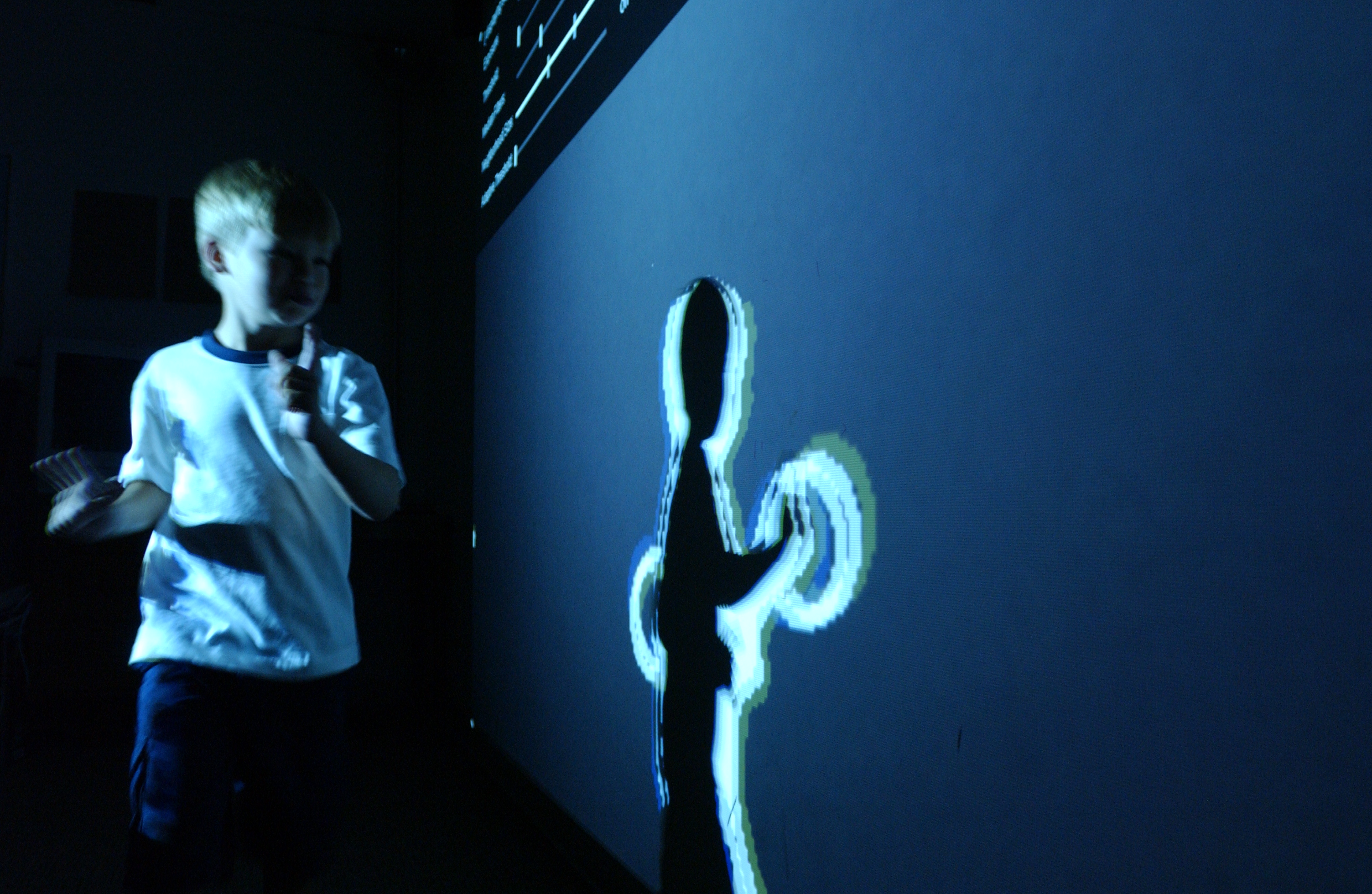
Common contexts
- Swipe-to-archive in an email client as a shortcut for power users alongside a visible archive button
- Pinch-to-zoom on a map or image viewer where scale manipulation is the core task
- Pull-to-refresh on a feed as an established mobile convention users already expect
Use when
When a gesture maps to a well-established mobile convention or provides a meaningful efficiency gain for frequent users, and when a non-gestural alternative exists for users who either don't discover or can't perform the gesture.
Avoid when
Don't replace visible controls with gestures to declutter the interface — hidden gestures solve a designer's aesthetic problem while creating a discoverability problem for every new user who doesn't receive adequate onboarding.
Gestures are a power-user feature masquerading as universal design — the users who love them are vocal, but the majority of users who never find them are silent, and they show up in support data as 'can't figure out how to do X'.
Real-world examples
- Apple's iPhone introduced multi-touch gesture vocabulary—pinch to zoom, swipe to scroll, tap to select—that became the global standard for touchscreen interaction design.
- Gmail's mobile app uses a horizontal swipe gesture on email list items to quickly archive or delete messages, a pattern that has been widely adopted across mobile productivity apps.
- Instagram uses the double-tap gesture to like photos, a discoverable shortcut that became so culturally embedded it influenced the design of reaction gestures on TikTok and other platforms.