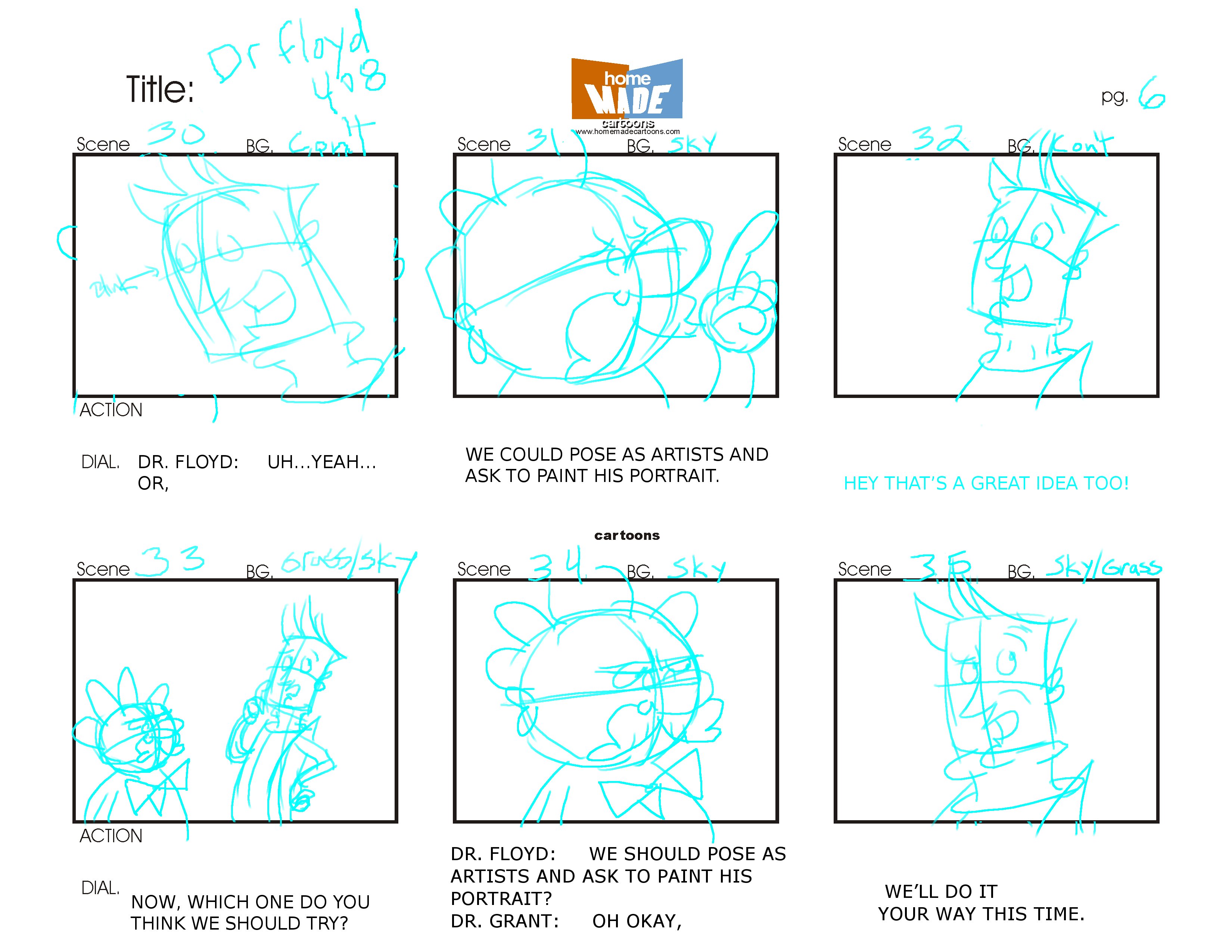
A visual storytelling technique that communicates a user's experience across a sequence of scenes. UX storyboards illustrate a user's context, actions, and emotional journey with a product, making abstract scenarios concrete for teams and stakeholders.
Common contexts
- Sketching a six-panel storyboard to communicate how a commuter uses a transit app from home to platform without a single wireframe
- Using a storyboard in a client presentation to show the emotional arc of a user experience before any interface design exists
- Creating a storyboard during a design sprint's define phase to build team consensus on the target scenario before moving to sketching
Use when
Use storyboarding early in a project when you need to communicate context, motivation, and emotion before any interface detail is defined — particularly when stakeholders are too focused on features to see the human experience those features are meant to serve.
Avoid when
Don't use storyboarding as a substitute for actually talking to users — a storyboard built without field research is a team's collective empathy projected onto a fictional character, and it can make invented problems feel as real and urgent as actual ones.
The power of a storyboard isn't the drawing quality — it's the act of sequencing, which forces a team to decide what happens before and after the interface moment they're designing, exposing the context they've been ignoring.
Real-world examples
- Google Ventures' Design Sprint uses storyboarding on day 3 to map the complete user journey through a prototype in 8–16 panels, forcing teams to make explicit UX decisions about every screen transition before any interface work begins.
- IDEO's health design team storyboarded a hospital discharge experience in 12 panels — including the taxi ride home and the fridge being empty — to help clinical staff understand the full emotional context beyond their department's scope.
- Amazon's 'working backwards' PR/FAQ process is complemented by a customer-experience storyboard that maps the 'before and after' of a new feature for customer presentations, serving as an alignment tool across legal, design, and marketing.